Reset Your Deltek Password Or Unlock Your Account
- Visit https://adss1.deltekenterprise.com/showLogin.cc
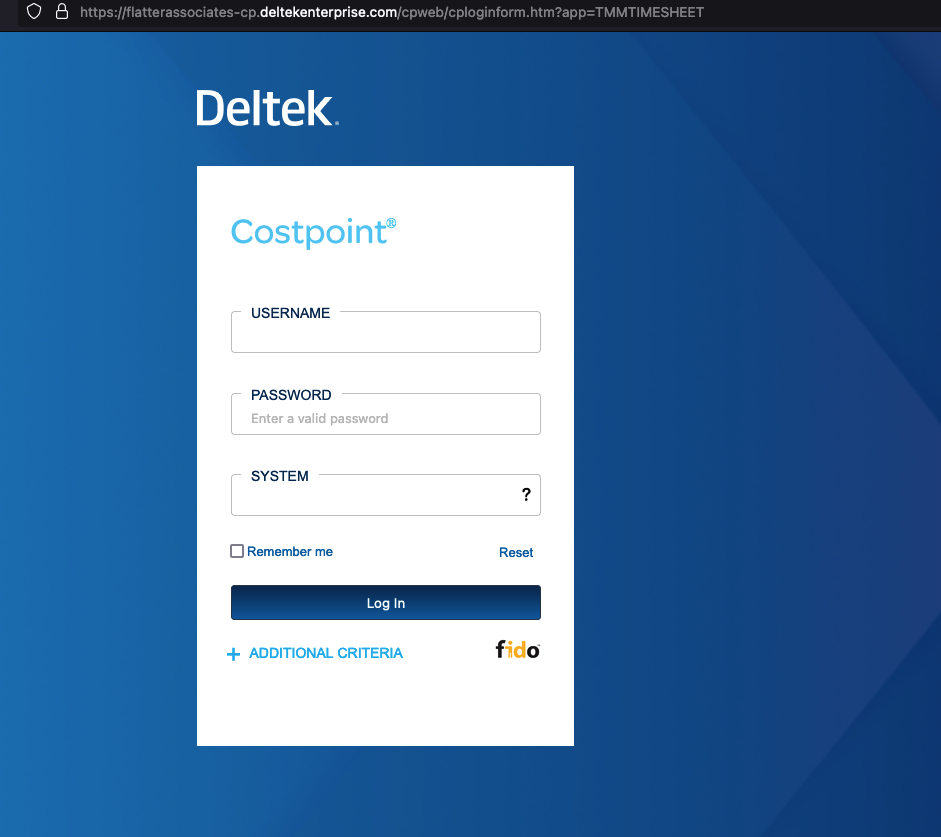
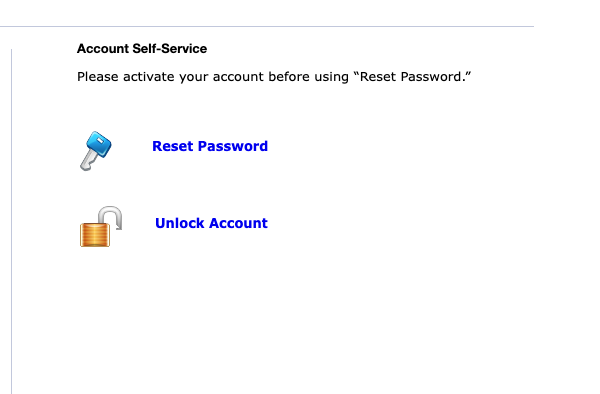
- Select either 'Reset Password' or 'Unlock Account
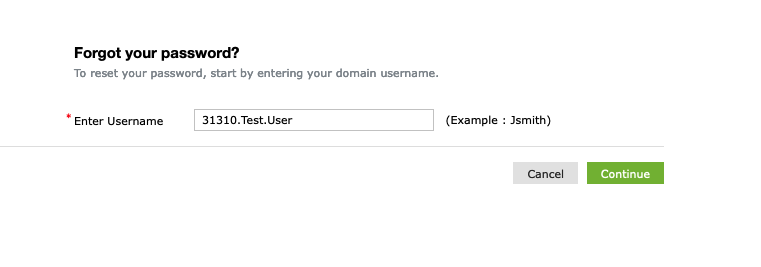
- Enter Username
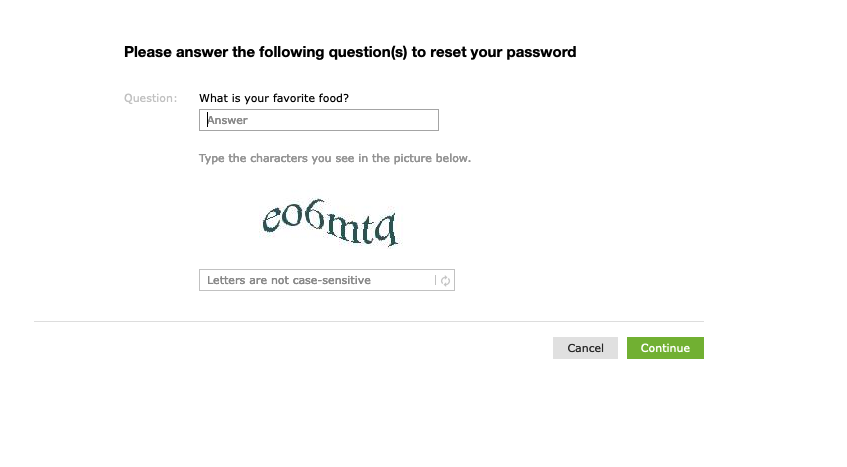
- Answer Security Question and Human verification
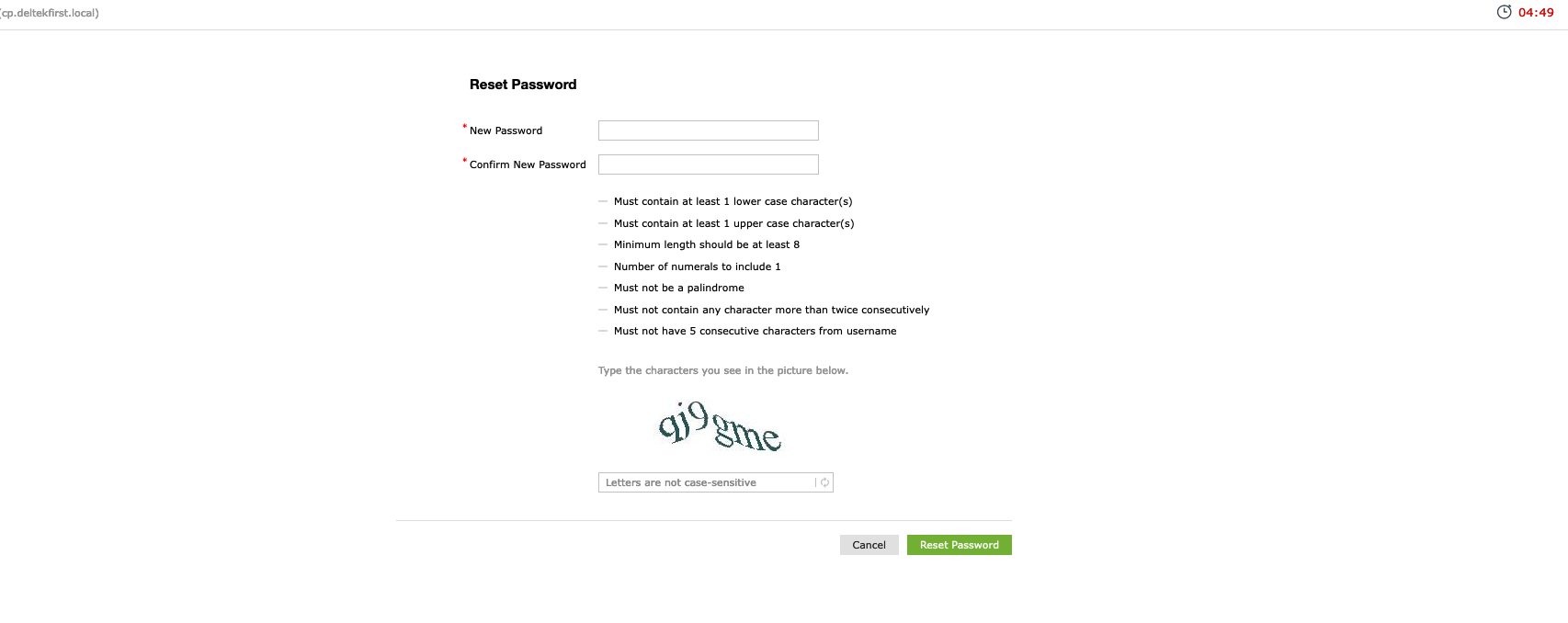
- Enter your new password, then confirm the new password by typing it in the confirm box. You will have 5 minutes to set a new password before you must start the process over again.
Related Articles
Adding 2FA to your Deltek CostPoint Account
The purpose of these instructions is to guide users through the process of setting up two-factor authentication (2FA) for their CostPoint account using the Microsoft Authenticator app. By following these steps, users will log in to Deltek, access ...
You can't sign in to Microsoft 365 to receive your Flatter Email
Cause The following conditions might cause this issue: You're locked out from your user account. You tried to sign in with the wrong user name and password. The password you tried to sign in with is temporary and expired. (This might happen if your ...